

Turn messy quote requests into organized photo estimates.
Estiqo gives your service business a branded quote-request page where customers can send service details, photos, and contact information from their phone—so you can review the job, send an estimate, and confirm the booking without endless back-and-forth texting. If you already have a website, Estiqo works alongside it. If you don't, your branded Estiqo page can also serve as a simple professional web presence for your business.
Quote requests arrive everywhere at once.
Texts, calls, voicemails, and social messages all carry pieces of the same job. Putting them back together costs you evenings.
- 01Customers forget important details.
- 02Photos get buried in messages.
- 03Quotes are hard to track.
- 04Follow-ups are easy to miss.

The work happens on site. The quoting shouldn't have to.
How it works
One link collects the whole request.
- 1
Customer submits request
Customers visit your branded quote page, choose the service they need, add job details, and upload photos from their phone.
- 2
You review the request
Every request appears in your owner dashboard with contact info, service details, photos, and notes.
- 3
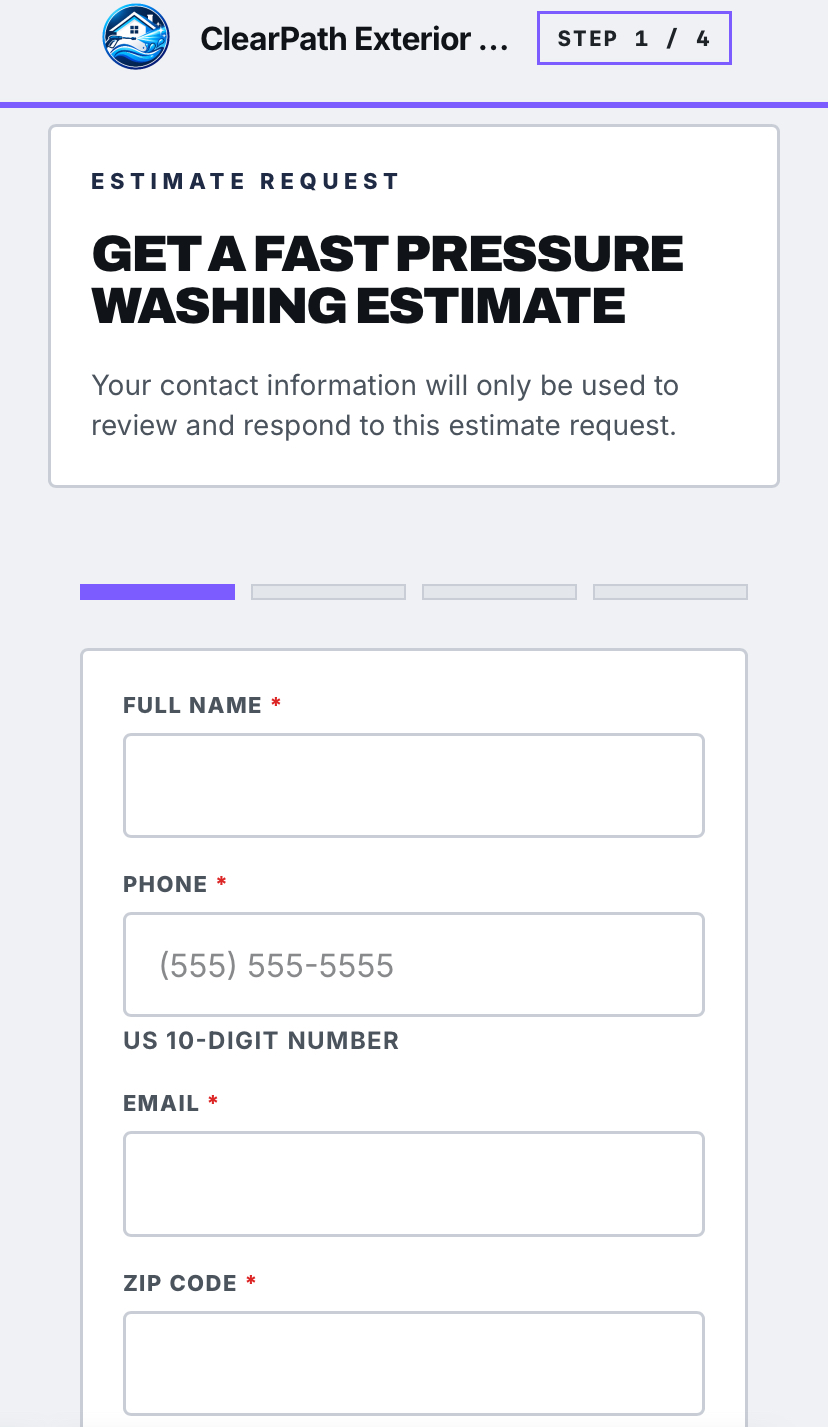
Send the estimate
Create and send an estimate directly from Estiqo.
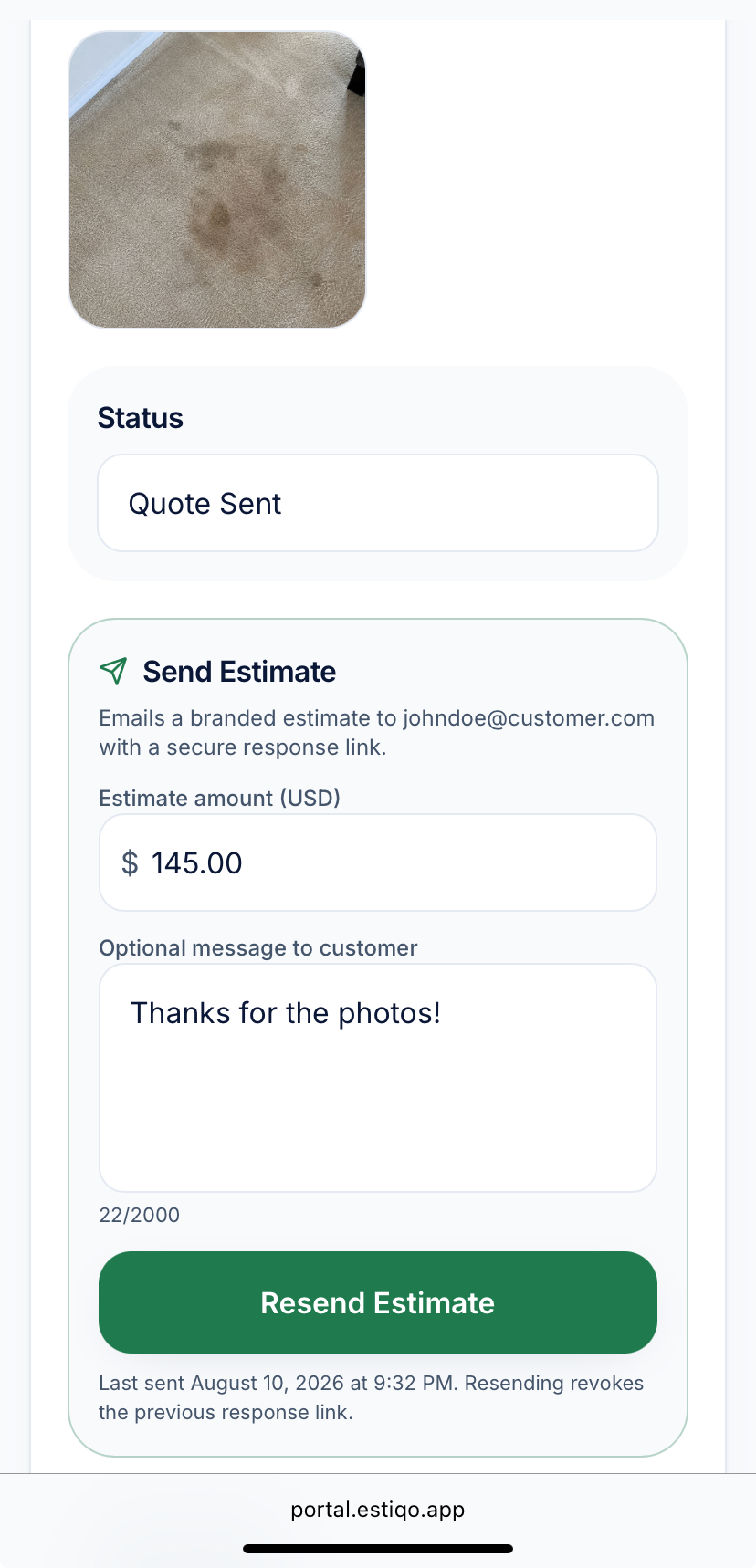
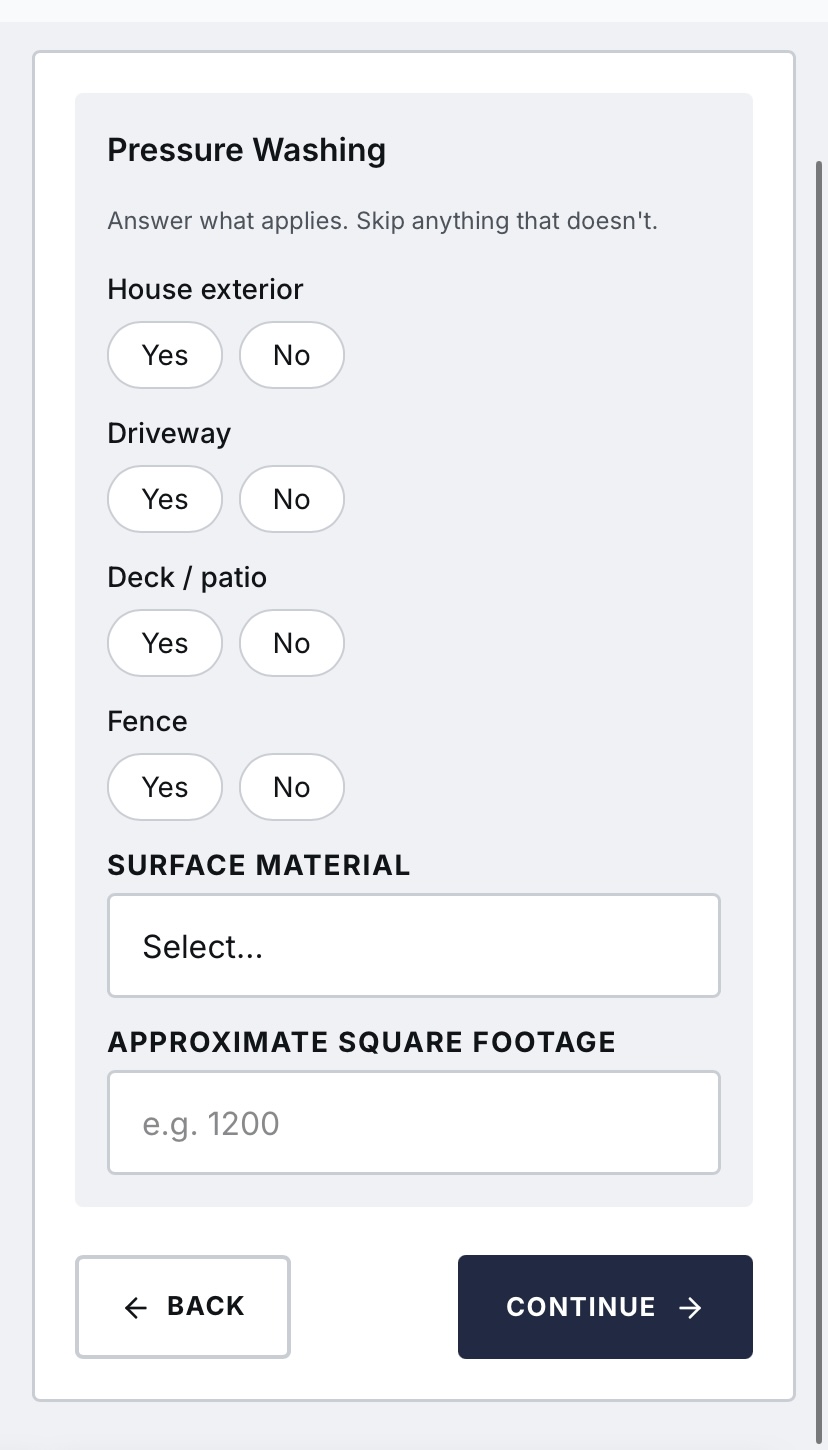
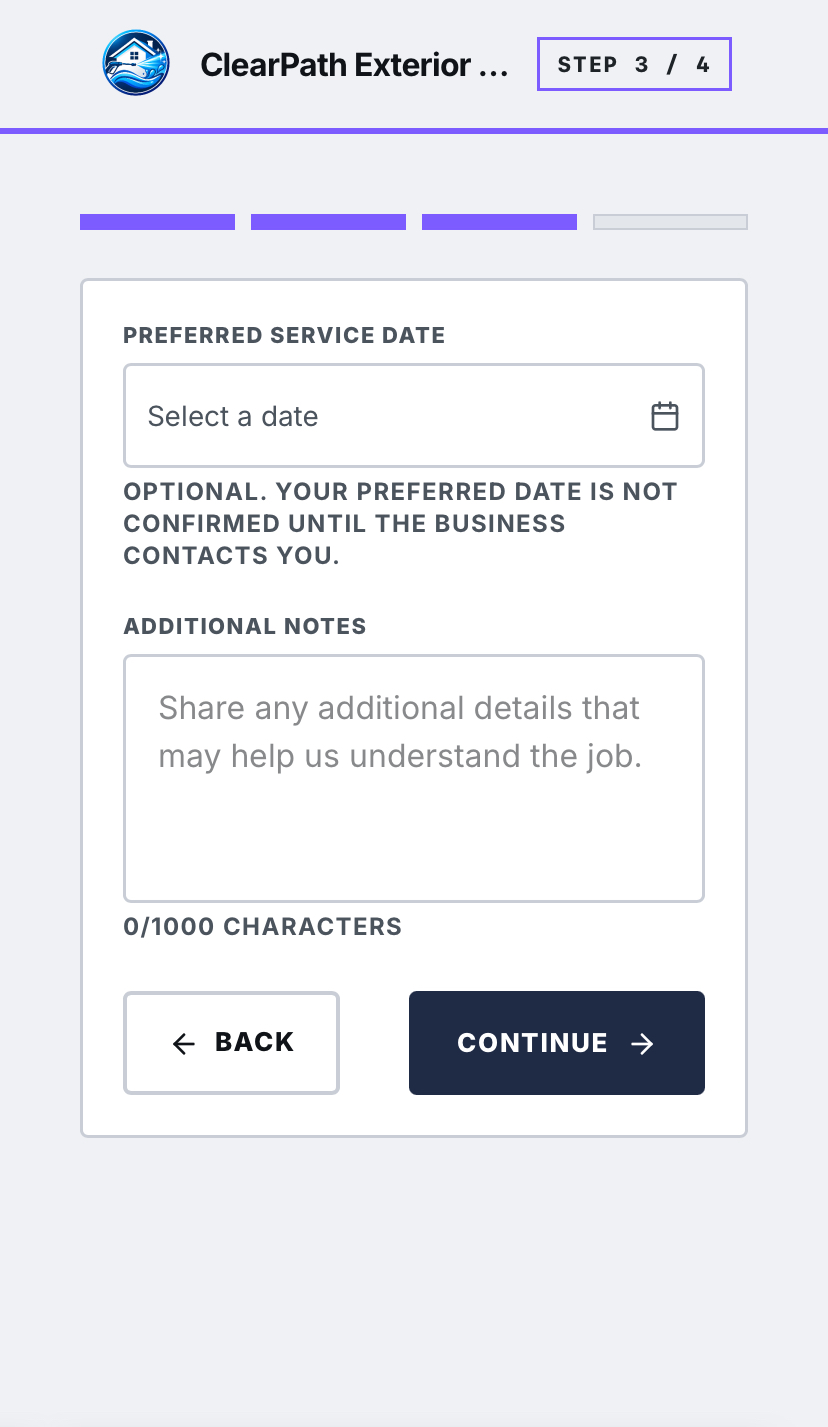
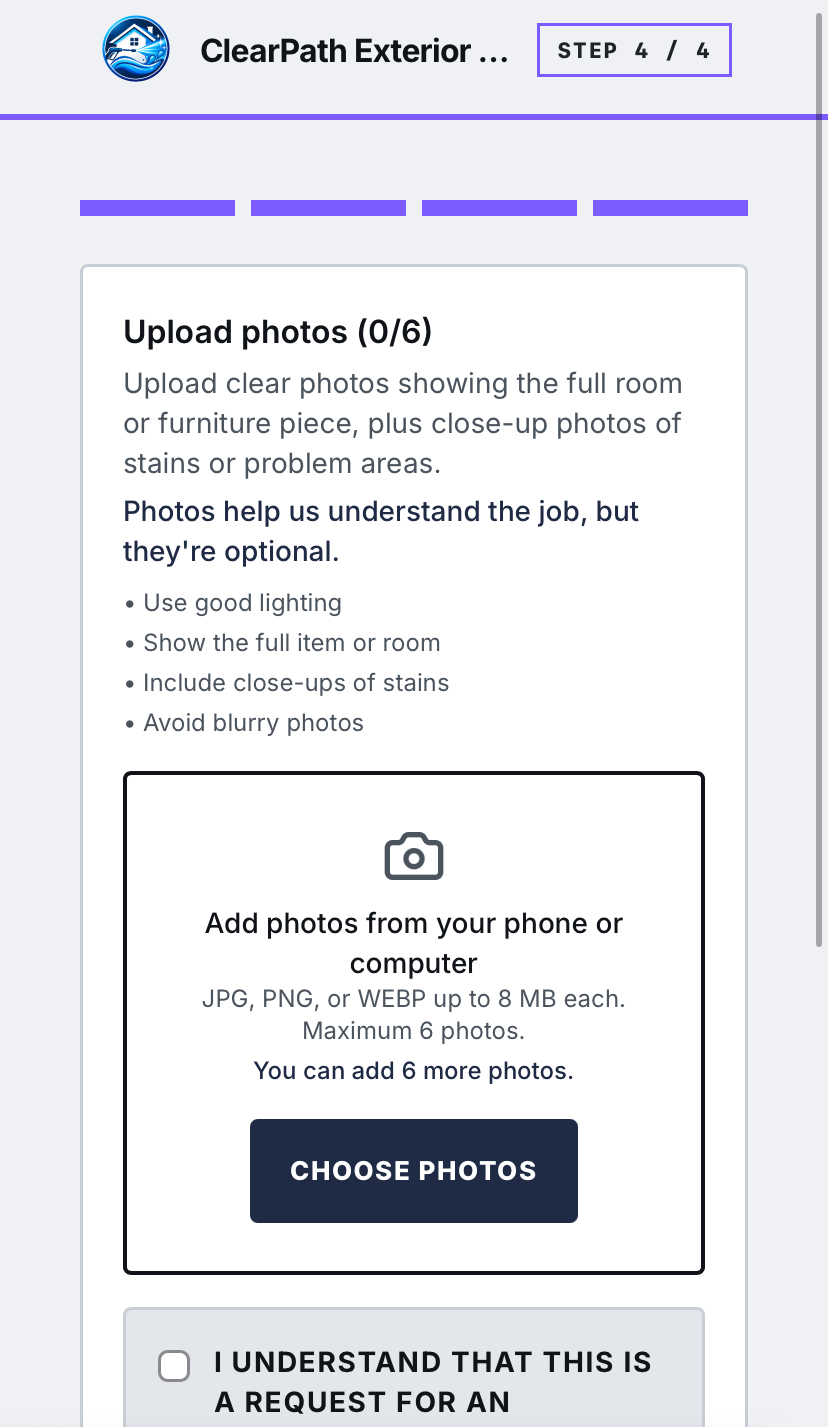
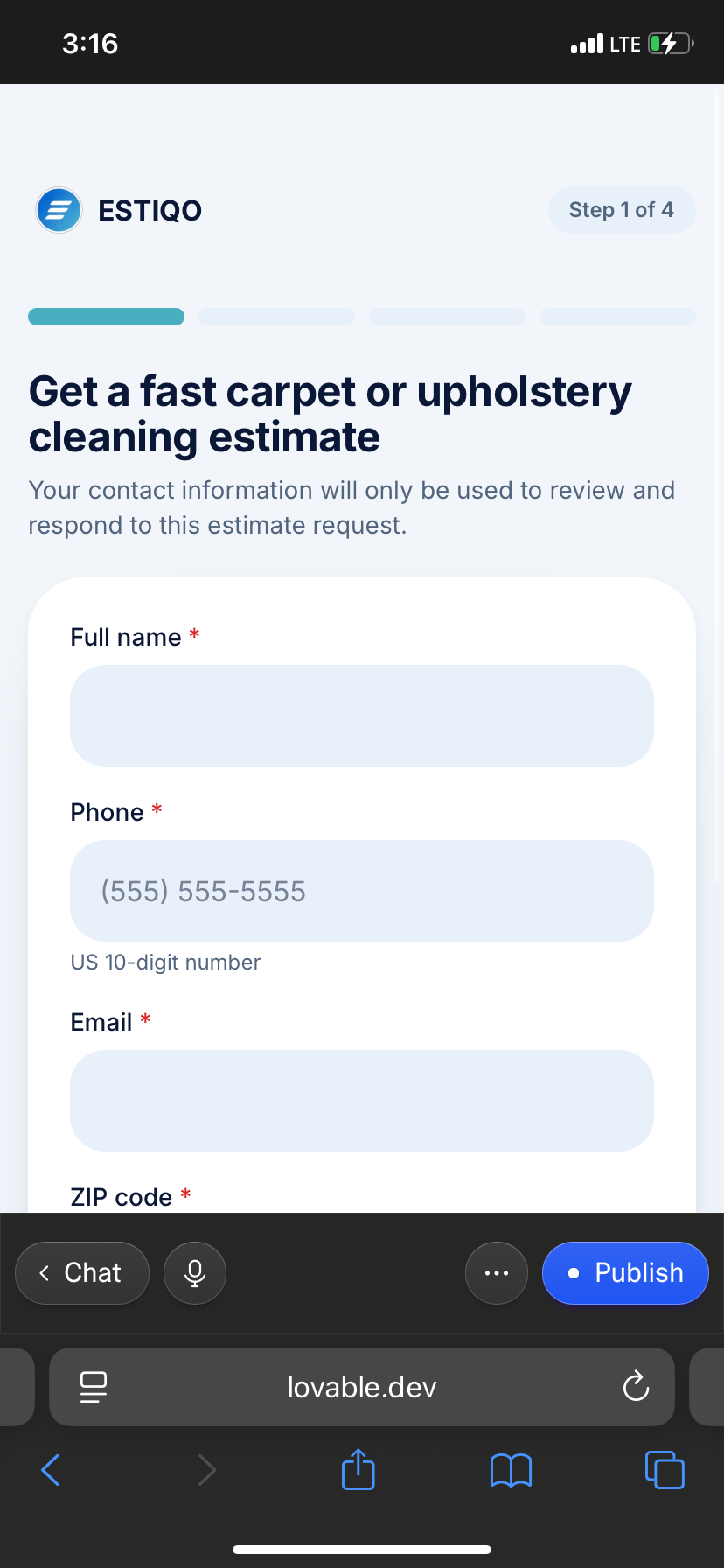
Four short steps on a phone.
Customers choose the service, describe the job, and attach photos. No account, no app.
Your side
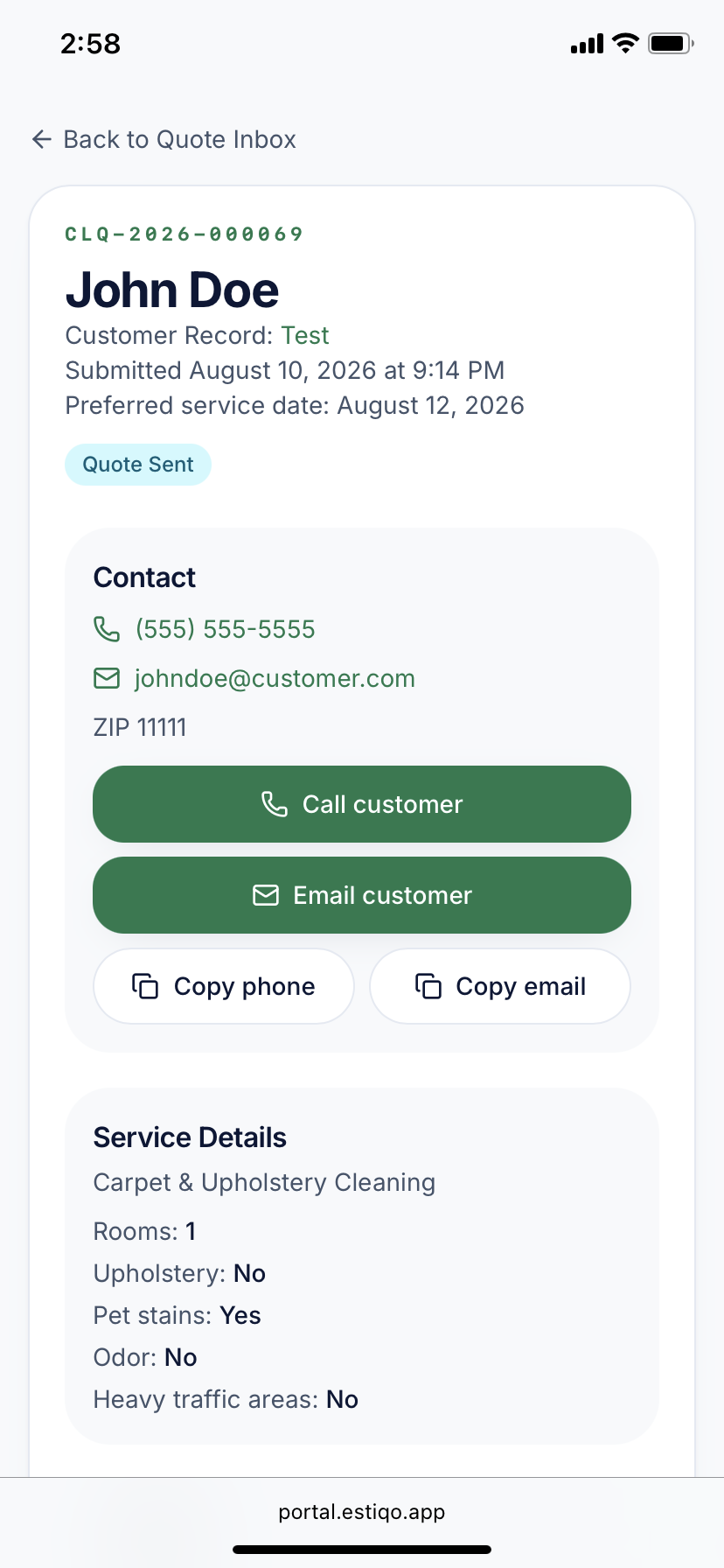
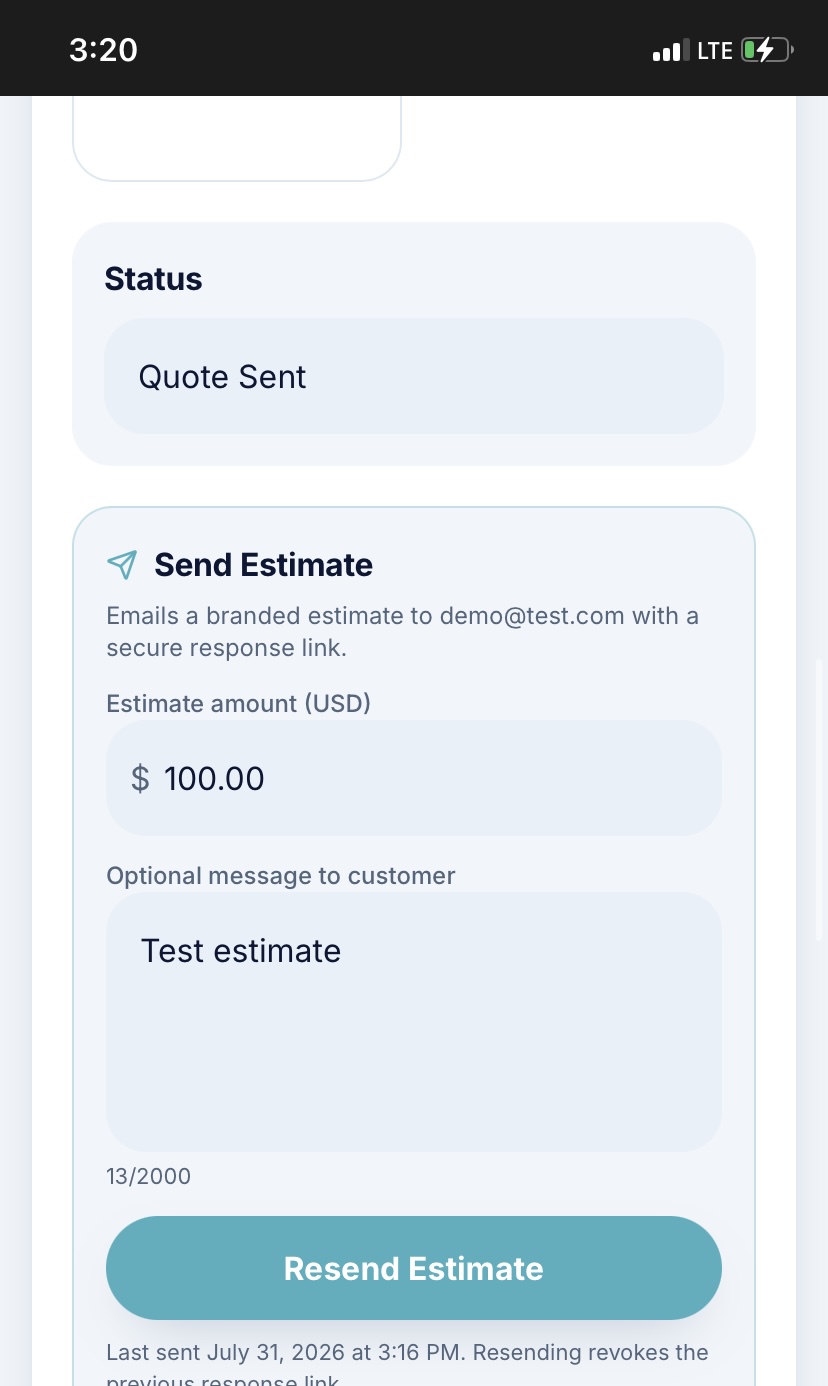
Review, send, confirm.
Every request lands in your owner dashboard with the photos and details already attached.
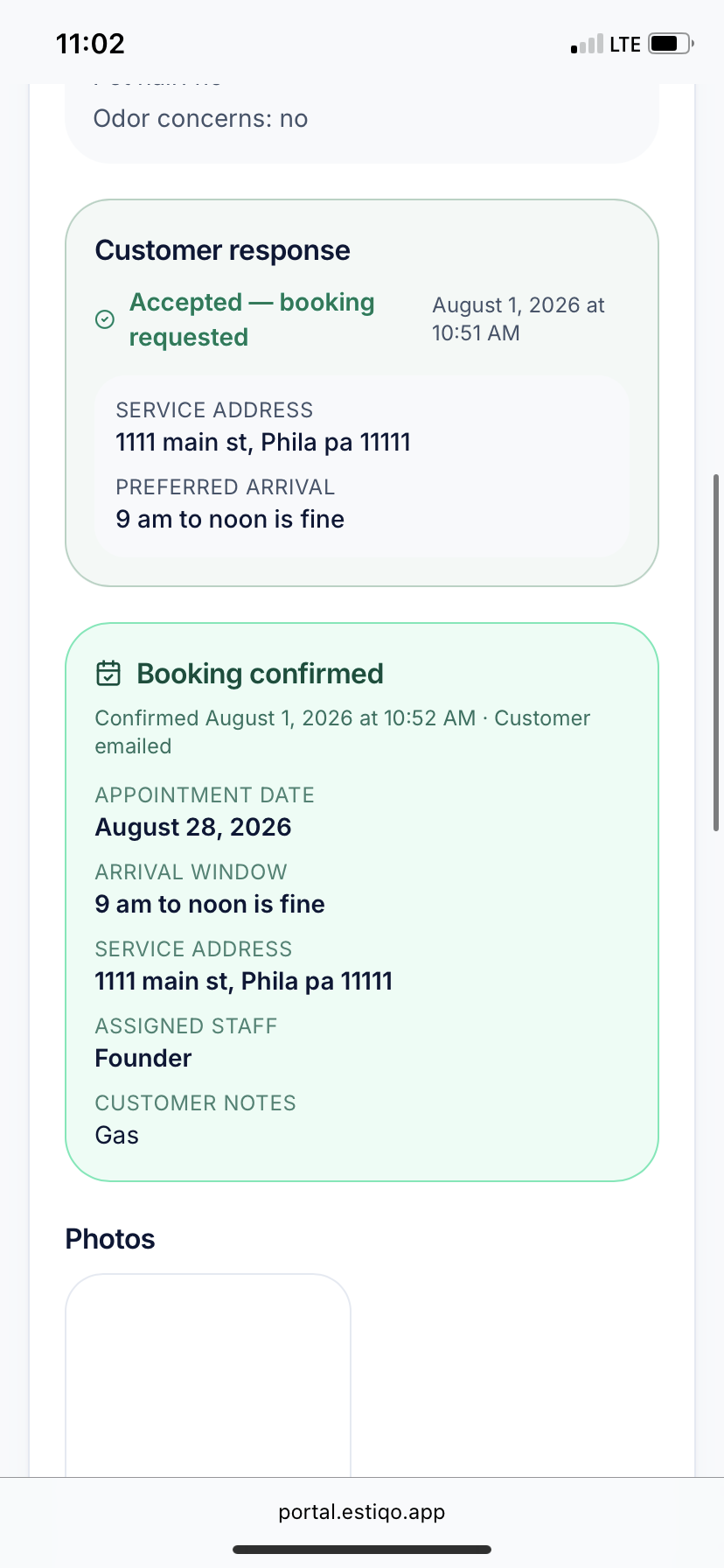
Customer responds
Customers can accept, decline, or ask a question online.
Confirm the booking
Once accepted, you can confirm the appointment details and send the customer a booking confirmation.
Founding customer offer
$99 setup today
Your first 30 days are included. Then $19/month.
Limited to the first 5 businesses.
Make it yours
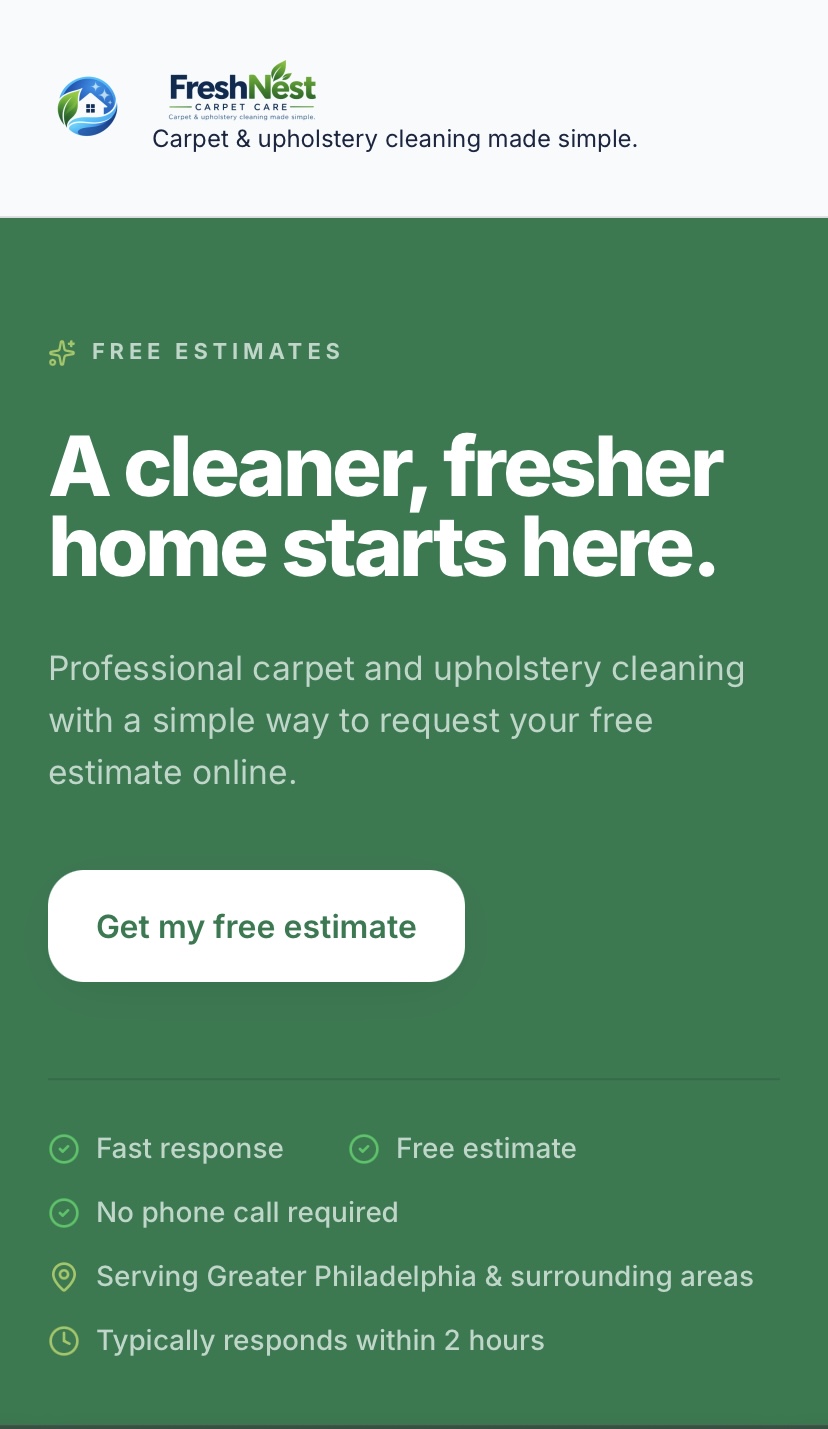
The same system, wearing your business.
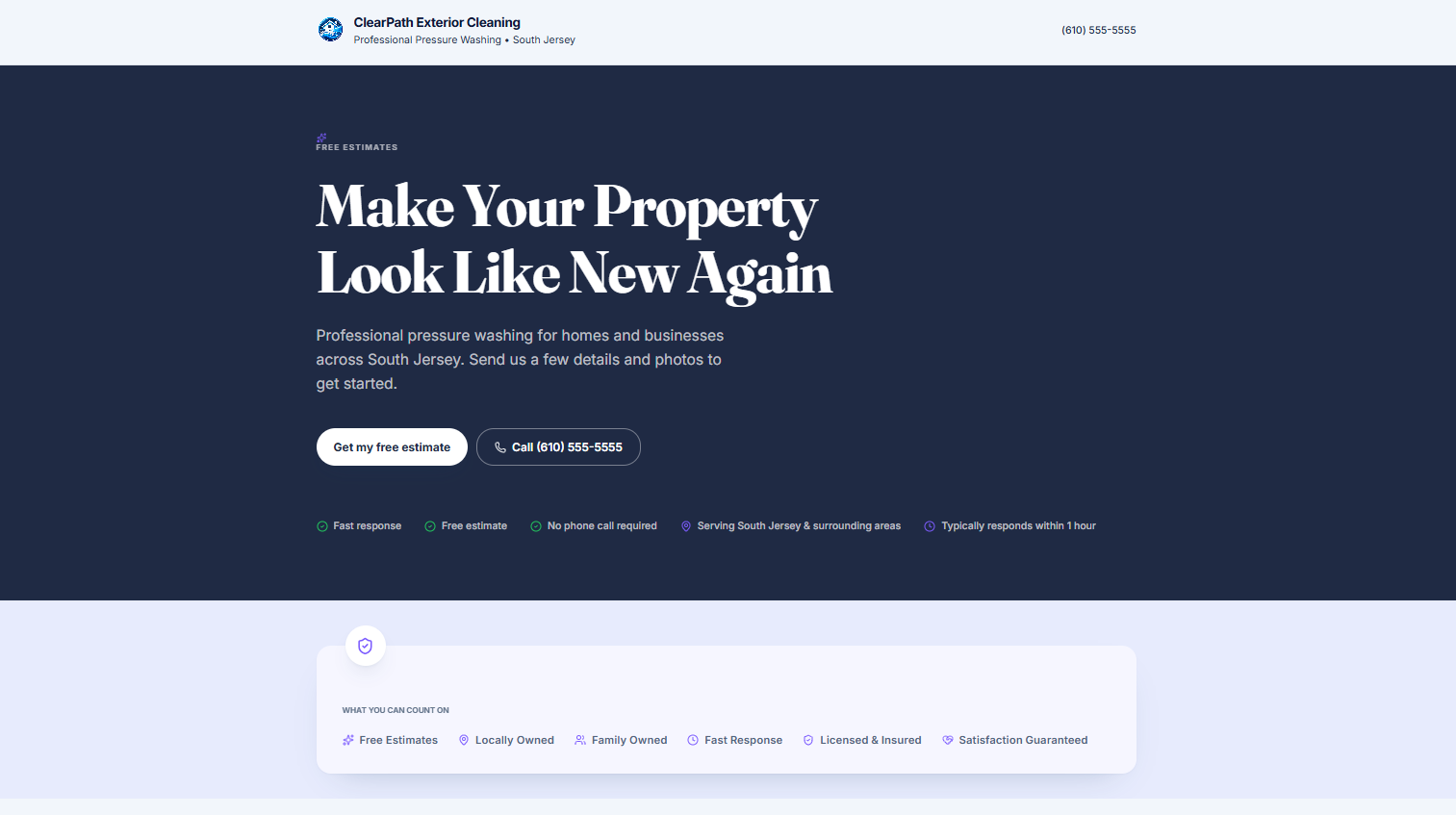
Your business name, colors, and services shape the page your customers see. The two configurations below are Estiqo demonstrations, not customer businesses.
What's included
Everything in the system.
- Branded customer quote-request page
- Industry-specific service forms
- Photo uploads
- Owner quote inbox
- Search and status filters
- Estimate sending
- Customer accept / decline / ask-question options
- Booking confirmation
- Customer records
- Private owner notes
- Team/staff access
- Email notifications
- Mobile-friendly design
Ready to get started?
Claim one of the first five founding customer spots.